
How to Create a High-Converting Business Website (2026 Guide)

A high-converting business website turns the right visitors into calls, bookings, quote requests or sales.
It does this with four things: a clear offer in the first screen, one obvious next step, real proof you can be trusted, and pages that load fast on a phone.
This guide gives you the 9 steps we use when we build or rebuild small business sites, a homepage blueprint, a checklist and a 30-day plan for your current site.
We design and build websites for service businesses in the USA, UK and the UAE. Most owners who contact us do not have a traffic problem. They have a conversion problem: visitors arrive, look around and leave without calling.
In this guide
- What a High-Converting Business Website Means
- What Is a Good Conversion Rate?
- How to Create a High-Converting Business Website: 9 Steps
- The High-Converting Homepage Blueprint
- How to Track Conversions in GA4
- High-Converting Business Website Checklist
- Common Mistakes That Kill Conversions
- A 30-Day Plan to Improve Your Current Site
- How Much Does a High-Converting Website Cost?
- Frequently Asked Questions
What a High-Converting Business Website Means
A conversion is the action you want a visitor to take. For a service business it is usually a phone call, a form, a quote request or an online booking. For a store it is a purchase.
The best website is not the one that looks the most impressive. It is the one that gets the most qualified enquiries from the traffic it already has. So pick one main action per page, and measure it.
What Is a Good Conversion Rate?
Conversion rate is simple: conversions divided by visitors, times 100. If 1,000 people visit your site in a month and 30 contact you, your rate is 3%.
Benchmarks give you a rough target. The Unbounce Conversion Benchmark Report found a 6.6% median conversion rate across industries, based on landing pages. Industry medians included:
| Industry (landing pages) | Median conversion rate |
|---|---|
| All industries | 6.6% |
| Commercial and professional services | 6.1% |
| Legal | 6.3% |
| Health and wellness (wellness pages) | 8.2% |
Treat these as a reference, not a goal. A full website has many pages that are not built to convert, so your site-wide rate will usually be lower. The real goal is to beat your own number every month.
Need help with this? AK Softs Digital builds websites, mobile apps and AI automation for small businesses in the USA, UK, UAE and Australia. Message us on WhatsApp or get a free quote in 24 hours.
How to Create a High-Converting Business Website: 9 Steps
1. Start with one clear message
Research summarized by Nielsen Norman Group found that users often leave web pages within 10–20 seconds. So your first screen must say what you do, who it is for and where you work.
A headline like “Same-day AC repair in Houston” beats “Welcome to our website”. Put your main call to action right below it.
2. Give every page one main call to action
Decide the single next step for each page, such as “Book a free consultation” or “Get a quote”. Make that button stand out in your brand’s accent color. Repeat it after key sections and at the end of the page.
Too many competing buttons reduce clicks on the one that matters.
3. Make contact effortless
Ask only for what you need to reply: name, email or phone, and a short message. Add click-to-call and WhatsApp on mobile, and show your phone number in the header.
4. Let customers book or buy online
If you sell appointments, online booking captures customers when they are ready, including evenings and weekends. Our guide to booking apps for small businesses compares the options. An AI receptionist can also answer calls you would otherwise miss.
5. Show proof you can be trusted
According to BrightLocal’s 2026 Local Consumer Review Survey, 97% of consumers read reviews for local businesses. So put real proof near every call to action:
- Real Google reviews and testimonials with names
- Photos of your team, premises and real work
- Licenses, insurance, certifications and memberships
- Short case studies: the problem, what you did and the result
- Clear pricing or price ranges where possible
6. Make it fast, especially on mobile
Slow pages lose visitors before they see your offer. Google’s Core Web Vitals set clear “good” targets at the 75th percentile of page loads:
- Largest Contentful Paint (LCP): within 2.5 seconds
- Interaction to Next Paint (INP): 200 milliseconds or less
- Cumulative Layout Shift (CLS): 0.1 or less
Our WordPress speed guide shows how to hit them.
7. Design for phones first
According to Pew Research Center (2026), 91% of USA adults own a smartphone. Use large buttons, readable text, short sections and a sticky call or book button. A responsive design also helps your SEO.
8. Write about the customer, not about you
Lead with the customer’s problem and the result you deliver. Then answer the questions people ask before buying: how much, how long and what happens next. Plain language beats jargon.
9. Track, test and improve
Track every form, call and booking. Review the numbers monthly and change one thing at a time, such as a headline or button text. The GA4 section below shows how to set this up.
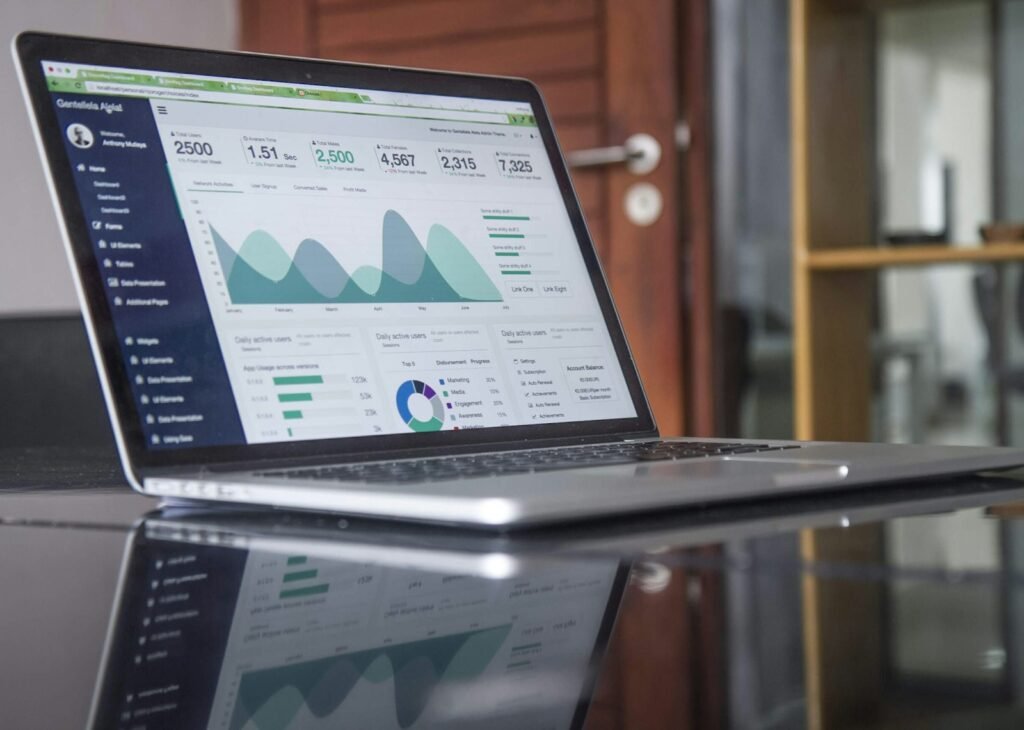
The High-Converting Homepage Blueprint
Most high-converting service homepages follow the same order. Use this as a wireframe for your own site, or share it with your designer.
| Section | What it does | Example for a dental clinic |
|---|---|---|
| Hero | Offer, audience, location + main button | “Gentle family dentist in Austin” + Book online |
| Trust bar | Instant proof | Google rating, years open, insurance accepted |
| Services | Shows what you do, linking to service pages | Checkups, implants, whitening, emergency care |
| Why us | Answers “why you, not them?” | Same-week visits, evening hours, clear pricing |
| Reviews | Social proof near the decision | 3–5 real reviews with names |
| How it works | Removes fear of the unknown | Book, visit, follow-up in 3 steps |
| FAQ | Handles objections | Cost, insurance, parking, first visit |
| Final CTA | Second chance to act | Book online or call now |
Good UI/UX design turns this structure into a page that feels easy, not crowded.
How to Track Conversions in GA4
In Google Analytics 4, conversions are now called “key events”. Here is the short setup:
- Install GA4 and link it to Google Search Console.
- Create events for form submissions, booking confirmations, click-to-call and WhatsApp clicks.
- In GA4, open Admin, then Events, and mark each one as a key event (Google’s guide).
- Add a thank-you page after forms, so you can confirm each conversion.
- Check the key events report once a month, by page and by traffic source.
High-Converting Business Website Checklist
Use this high-converting business website checklist on your own site today.
| Area | Check |
|---|---|
| Message | Headline says what you do, for whom and where |
| Call to action | One main button per page, visible without scrolling |
| Contact | Short form, click-to-call, phone number in header |
| Booking | Online booking or quote request available |
| Trust | Reviews, real photos and credentials near the CTA |
| Speed | LCP under 2.5 seconds on mobile |
| Mobile | Large buttons and a sticky call or book button |
| Content | Prices or price ranges, process and FAQ answered |
| Tracking | Forms, calls and bookings marked as key events |
| Testing | Every form tested after each update |
Common Mistakes That Kill Conversions
- Sliders and autoplay videos that push the offer below the fold
- Generic stock photos instead of your real team and work
- Contact forms with ten or more fields
- No prices or price guidance at all
- Different phone numbers on different pages
- Forms that break after a plugin update and nobody notices
- Pop-ups that cover the page on mobile before visitors see anything
A 30-Day Plan to Improve Your Current Site
You do not need a redesign to start. Here is a plan we often give clients:
| Week | Focus | Actions |
|---|---|---|
| 1 | Measure | Set up GA4 key events and note your current conversion rate |
| 2 | Message | Rewrite the homepage headline and main button; add the phone to the header |
| 3 | Trust | Add reviews, real photos and credentials near every CTA |
| 4 | Friction | Shorten forms, add click-to-call, fix the slowest pages |
After 30 days, compare your rate with week one. If the site is slow, hard to edit or not mobile-friendly, use our website redesign checklist to decide whether to rebuild.
How Much Does a High-Converting Website Cost?
It depends on pages, features such as booking or payments, and whether copywriting and photos are included. Our website development packages start at $799 for a 5-page site and $1,799 for a full business site with booking or quote forms.
See wider price ranges in our small business website cost guide, and the features worth paying for in 10 features every modern business website must have.
Key Takeaways
- A high-converting business website shows a clear offer, one main action, real proof and fast mobile pages.
- Use benchmarks (6.6% median for landing pages) as a reference, and beat your own rate each month.
- Put reviews and credentials near every call to action; 97% of consumers read local reviews.
- Mark forms, calls and bookings as GA4 key events before changing anything.
- Small fixes over 30 days often beat an expensive redesign.
Frequently Asked Questions
What is a good conversion rate for a small business website?
Unbounce reports a 6.6% median for landing pages across industries. A full website usually converts lower, because many pages are informational. Track your own rate and aim to improve it every month.
Should I redesign my site or improve the current one?
If the site is slow, hard to edit or not mobile-friendly, a rebuild is often cheaper long term. Otherwise, start with the checklist and 30-day plan above.
Do I need online booking on my website?
If you sell appointments or consultations, yes. Online booking captures customers when they are ready to act, including evenings and weekends, without waiting for a call back.
Is WordPress good for a high-converting website?
Yes. WordPress is flexible and easy to edit, as long as it uses fast hosting, a lightweight theme and only the plugins you need.
How long until I see more enquiries?
Simple fixes, such as a clearer headline or a shorter form, can show results within a few weeks if you have steady traffic. Larger changes need a month or two of data.
What is the single biggest conversion fix?
For most small business sites, it is a clear first screen: what you do, where you work, and one obvious button to call or book.
Want a Website That Brings In Enquiries?
AK Softs Digital designs and builds fast, conversion-focused websites for small businesses, with 175+ client reviews and a 4.9 rating. Book a free consultation, and we will review your current site and show you the fixes that matter most.

Anees Dilawar
Founder & CEO of AK Softs Digital. MS Computer Science, 10+ years teaching and building software, and 6+ years delivering WordPress, Flutter and AI automation projects for clients in the USA, UK, UAE and Australia.
Web Development
Get a clear plan and a fixed quote in one call
Need a fast, high-converting website? We build and fix WordPress, WooCommerce and custom Node.js sites.
Keep reading



Related guides
- 10 Features Every Modern Business Website Must Have (2026)
- How to Start a WordPress Website Step by Step (2026 Guide)
- Website Builder vs Custom Website: 2026 USA Guide for Small Businesses
- WordPress vs Custom Website: Which Is Better for Your Business? (2026)
Need it done for you? See our Website development services.