
Restaurant Website Design: 2026 Guide for USA Restaurants
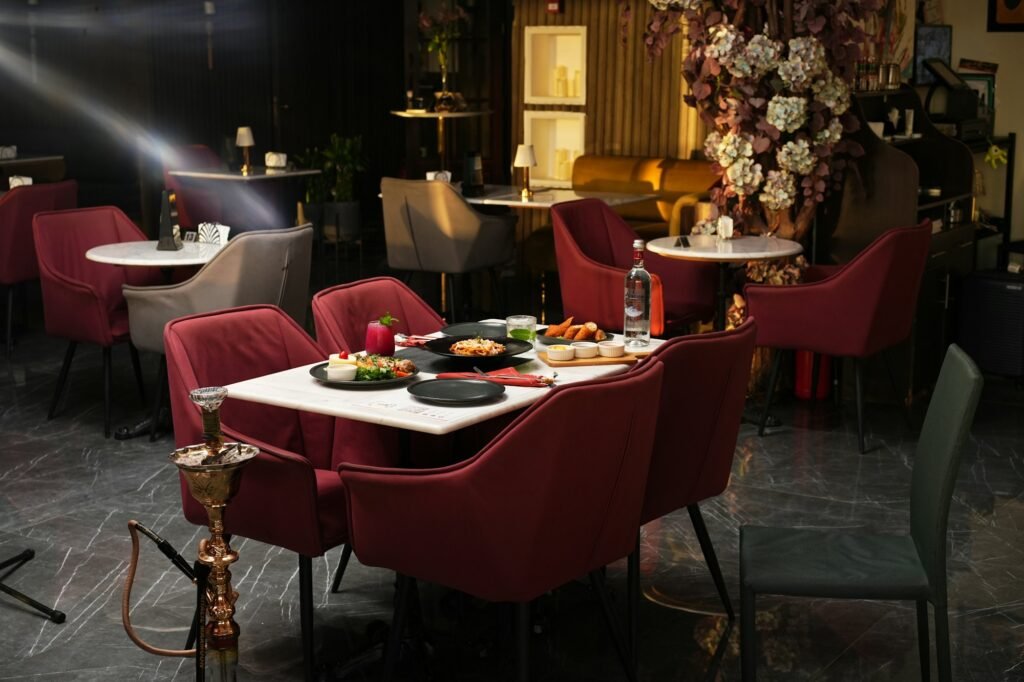
Good restaurant website design puts four things one tap away on a phone: your menu, hours and location, online ordering, and reservations. For most USA independent restaurants, a well-built site typically costs $1,500–$10,000 up front, plus about $50–$300 a month for hosting, ordering software and upkeep. These are typical market ranges, not fixed quotes.
Most guests meet your restaurant on a phone long before they meet your staff. They search “tacos near me”, tap your Google listing, open your website and decide within seconds whether to order, book a table or move on. If your menu is a blurry PDF or the order button is hard to find, that sale goes to the place down the street, or to a delivery app that keeps a large cut.
This guide explains what modern restaurant website design needs in 2026, how to take orders without paying high commissions on every one, what a site typically costs in the USA, and a practical launch checklist. It is written from hands-on experience building fast, mobile-first websites, apps and AI automations for small businesses.
In this guide
- Why Restaurant Website Design Matters in 2026
- Must-Have Features for a Restaurant Website
- Online Ordering: Commission-Free vs Delivery Apps
- Restaurant Website Cost: Typical USA Ranges
- Local SEO for Restaurant Websites
- Restaurant Website Launch Checklist
- Common Restaurant Website Mistakes
- Frequently Asked Questions
Why Restaurant Website Design Matters in 2026
Dining habits have moved online and off-premises. According to the National Restaurant Association’s 2025 Off-Premises Restaurant Trends report, nearly 75% of all restaurant traffic now happens off-premises, mobile ordering has been used by 57% of adults recently, and 94% of consumers say speed is critical.
At the same time, Pew Research Center reports that 91% of USA adults own a smartphone (survey conducted January 30 to June 18, 2026). Put together, that means your website is effectively a second front door, and for takeout customers it is often the only one they use.
A restaurant site does not need to be large. It needs to be fast, easy to use with one thumb, and built around the actions that make you money: ordering, booking and visiting.
Must-Have Features for a Restaurant Website
These are the features we treat as non-negotiable when planning a restaurant website:
- An HTML menu, not a PDF. Text menus load faster, read better on phones, can be indexed by search engines and are easy to update when prices change.
- Sticky “Order Online” and “Book a Table” buttons. Keep them visible at the top or bottom of the screen on mobile.
- Hours, address and tap-to-call in the header or first screen, with a map link that opens directions.
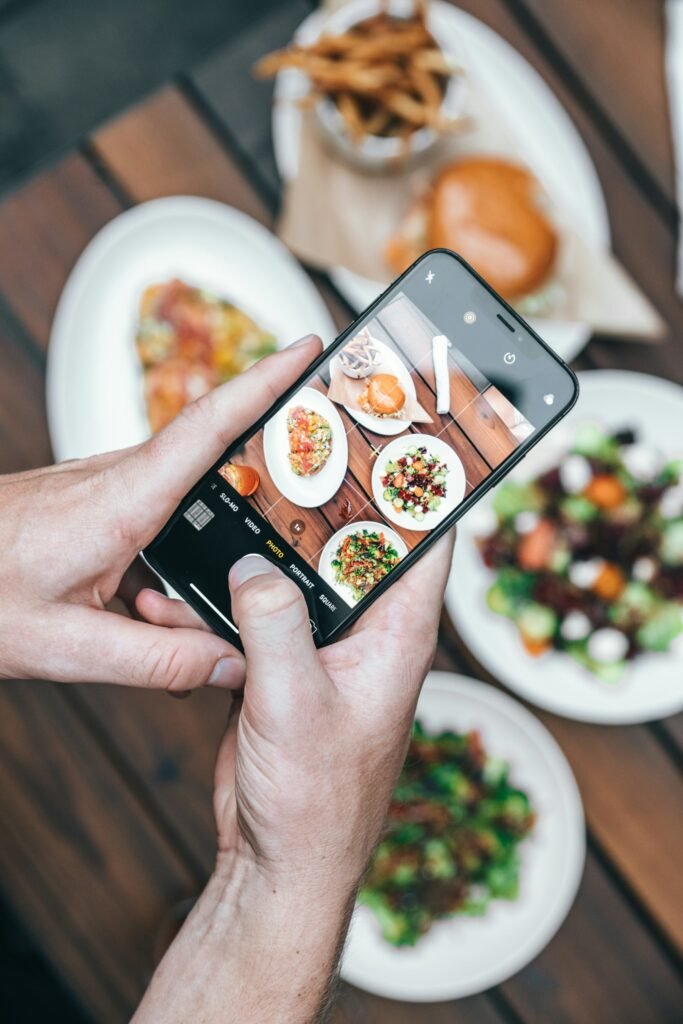
- Great food photos. Real, well-lit photos of your actual dishes, compressed so they do not slow the page down.
- Dietary and allergen labels such as vegan, gluten-free or contains nuts, kept consistent with what your kitchen can actually guarantee.
- Catering and private events page with a short inquiry form, since these orders are often high value.
- Gift cards and loyalty sign-up if your POS supports them.
- Accessibility basics: readable font sizes, strong color contrast, alt text on images and buttons that work with a keyboard and screen reader.
Design tips that work for restaurants
Let your food and atmosphere lead the design, but keep the layout simple. A large hero photo, one clear headline (“Wood-fired pizza in Austin since 2015”, for example) and two buttons usually beat a slow video background. Use your brand colors for buttons only, so they stand out. And design the phone version first: most of your visitors will never see the desktop layout.
Need help with this? AK Softs Digital builds websites, mobile apps and AI automation for small businesses in the USA, UK, UAE and Australia. Message us on WhatsApp or get a free quote in 24 hours.
Online Ordering: Commission-Free vs Delivery Apps
Online ordering is where restaurant website design directly affects your margins. Third-party marketplaces bring new customers, but they charge a commission on every order. For example, DoorDash’s published Marketplace plans list delivery commissions of 15% (Basic), 25% (Plus) and 30% (Premier), with a 6% commission on pickup orders.
Ordering through your own website works differently. Many first-party ordering tools, whether built into your POS or standalone, charge a monthly fee plus card processing rather than a percentage commission on each order, so check each provider’s current pricing. DoorDash itself offers an “Online Ordering” product for restaurant websites with no commission, only a payment processing fee, according to the same pricing page.
The smart mix for most restaurants
- Use marketplaces for discovery. Let new customers find you on delivery apps.
- Make your website the best place to order. Clear menu, saved favorites, fast checkout and pickup times.
- Reward direct orders. A loyalty point, a free drink or a small discount for ordering on your site gives repeat customers a reason to come back directly.
- Connect ordering to your Google profile. Google’s Order with Google help page explains how USA restaurants can add custom links to their own ordering page and choose a preferred provider in the Food ordering section of Business Profile.
If you want a branded app for regulars later, our booking app for small business guide covers features and typical costs. For many restaurants, though, a fast mobile website with good ordering is the right first step.
Restaurant Website Cost: Typical USA Ranges
What you pay depends mostly on how custom the design is and how much the site connects to your POS, ordering and reservation tools.
| Option | Typical up-front cost | Typical monthly cost | Best for |
|---|---|---|---|
| Template site (builder or theme, set up professionally) | $1,500–$3,000 | $50–$100 | Single-location cafés and food trucks |
| Custom-designed WordPress site | $3,000–$6,000 | $75–$200 | Independent restaurants that want a unique brand |
| Custom site with ordering, reservations and multi-location features | $6,000–$10,000+ | $150–$300+ | Busy restaurants and small groups |
For a broader breakdown of what drives website pricing, see our guide to small business website cost.
Local SEO for Restaurant Websites
A beautiful site only helps if people can find it. Restaurant searches are usually local (“near me”, a neighborhood or a city), so focus on these basics:
- Consistent name, address and phone on your website, Google Business Profile, Yelp and delivery apps.
- A clear page title such as “Neapolitan Pizza in Denver | Your Restaurant Name”, plus your cuisine and neighborhood in the first paragraph.
- Restaurant structured data (schema markup) for your address, hours, cuisine, menu link and reservation link.
- One page per location if you have more than one, each with its own hours, map and menu.
- Fast loading. Compress photos, avoid heavy sliders and use good hosting. Our guide on building a fast-loading website goes deeper.
Restaurant Website Launch Checklist
Use this step-by-step checklist before you go live or relaunch:
- Test ordering end to end on an iPhone and an Android phone: add items, pay, and confirm the order reaches the kitchen.
- Check the menu against your POS for prices, sold-out items and modifiers.
- Confirm hours on the site match Google, including holiday hours.
- Test every button: call, directions, reservations, catering form and gift cards.
- Run a speed test on mobile and fix any large images.
- Add analytics and conversion tracking for orders and bookings.
- Link your website and ordering page in your Google Business Profile.
- Set up redirects if you are replacing an old site, so old menu links still work. Our website redesign checklist covers this step in detail.
Common Restaurant Website Mistakes
- PDF-only menus that are hard to read on phones and slow to update.
- Out-of-date hours or prices, which frustrate customers and staff.
- Auto-playing music or video that slows the page and annoys visitors.
- Hiding the order button below long “About us” stories.
- Sending all online orders to marketplaces when regular customers would happily order direct.
- No one owning the site. Make sure you control the domain, hosting and logins, not just your designer.
Many of the questions guests ask, such as “Are you open on Sunday?” or “Do you have gluten-free options?”, can also be answered automatically. A simple AI chatbot for your website can handle those questions and point guests to your menu or reservations.
Key Takeaways
- Restaurant website design should put the menu, hours, ordering and reservations one tap away on a phone.
- Nearly 75% of restaurant traffic is off-premises (National Restaurant Association, 2025), so online ordering is central, not optional.
- Ordering through your own site often means a monthly fee and card processing instead of a delivery app commission, which DoorDash lists at 15–30% for delivery.
- Typical USA costs run about $1,500–$10,000 up front and $50–$300 a month, depending on custom design and integrations.
- Use an HTML menu, real food photos, local SEO basics and a launch checklist to get the most from your site.
Frequently Asked Questions
How much does a restaurant website cost?
For a USA independent restaurant, a professionally built website typically costs about $1,500–$10,000 up front, depending on whether it is template-based or custom and how many tools it connects to. Expect roughly $50–$300 a month for hosting, maintenance and ordering or reservation software, plus card processing fees. These are typical ranges, not fixed quotes.
What should be on a restaurant website?
At minimum: an easy-to-read HTML menu, hours, address with a map link, tap-to-call, online ordering, reservations if you take them, real food photos and a short story about your restaurant. Catering, gift cards and loyalty sign-up are valuable extras.
Should my restaurant use its own online ordering or DoorDash and Uber Eats?
Many restaurants use both. Delivery marketplaces help new customers discover you but charge a commission on each order, while ordering on your own website often costs a monthly fee plus card processing instead. A common approach is to use marketplaces for discovery and encourage regulars to order directly.
Is a PDF menu bad for SEO?
A PDF menu is not a penalty, but it is a weaker choice. An HTML menu loads faster on phones, is easier to read and update, and gives search engines clear text about your dishes. If you keep a PDF for printing, offer it in addition to an HTML menu.
How long does it take to build a restaurant website?
A template-based site can often launch in one to two weeks once your menu, photos and logins are ready. A custom design with ordering and reservation integrations typically takes three to six weeks, depending on feedback rounds and third-party setup.
Ready for a Restaurant Website That Takes Orders?
AK Softs Digital designs fast, mobile-first websites, apps and AI automations for small businesses, with 175+ client reviews, a 4.9 rating and experience working with teams in the UAE and France. Book a free consultation and we will review your current site, your ordering setup and a realistic plan for your restaurant.

Anees Dilawar
Founder & CEO of AK Softs Digital. MS Computer Science, 10+ years teaching and building software, and 6+ years delivering WordPress, Flutter and AI automation projects for clients in the USA, UK, UAE and Australia.
Web Development
Get a clear plan and a fixed quote in one call
Need a fast, high-converting website? We build and fix WordPress, WooCommerce and custom Node.js sites.
Keep reading



Related guides
- Cleaning Company Website Design: 2026 Guide for USA Cleaners
- WordPress vs Webflow for Small Business: Cost Guide 2026
- Website Redesign Checklist for Small Business (2026)
- How Much Does a Small Business Website Cost? (2026 USA Guide)
Need it done for you? See our SEO & content writing services.