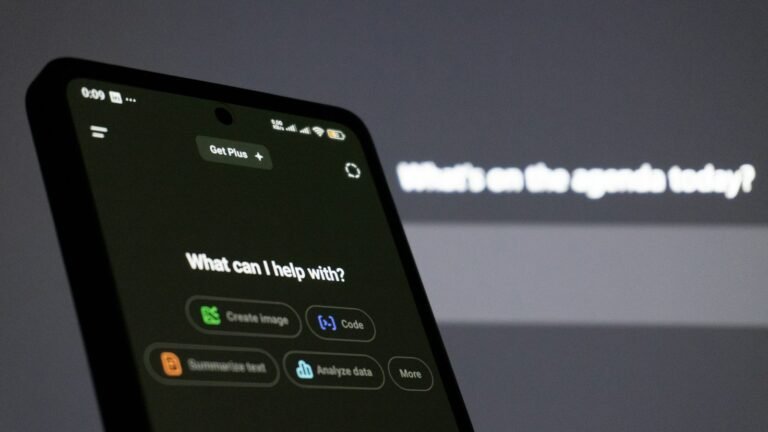
Google AI Mode Booking for Home Services: 2026 USA Guide
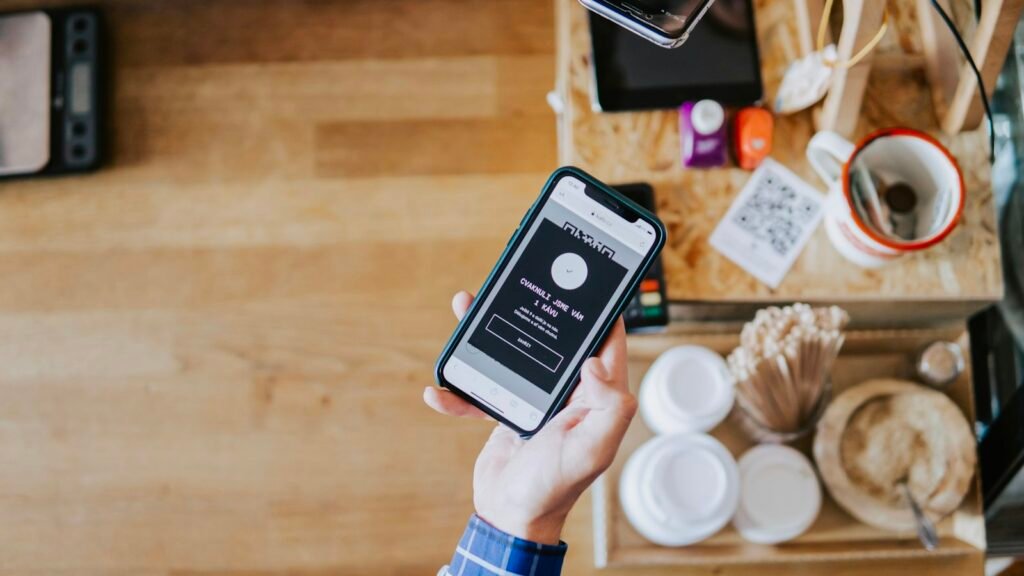
Quick answer: Since November 4, 2026, Google AI Mode booking links let USA homeowners book a home service pro inside the AI answer. You cannot sign up with Google directly; instead, you get in through a partner platform such as Jobber, Housecall Pro or Angi. Then you match your Google Business Profile details exactly and answer requests within minutes.
Google AI Mode booking is the newest way a USA homeowner can hire a plumber, cleaner or handyman without opening your website. The “Book Online” button appears right inside Google’s AI answer, so the bookable pro gets the job. This guide explains what changed, which platforms give you that button, what each one costs, and how to set it up this week.
We build booking systems and AI receptionists for service businesses. So we also cover the part most news articles skip: what happens after the request lands. A booking link only pays off when someone, or something, answers fast.
In this guide
What Google changed on November 4, 2026
On November 4, 2026, Google Search VP Robby Stein announced on X that AI Mode now shows direct links to research and book home services in the USA. Search Engine Journal’s report names Angi, Thumbtack, Housecall Pro and Jobber as launch partners, with ServiceTitan listed as coming soon.
In practice, a homeowner asks AI Mode for “a handyman near me this weekend”. The answer lists local pros with ratings and short descriptions. Some show open appointment times and a booking button; others only offer a quote request.
Which one you get depends on the platform you use, not on Google.
Two things are still unknown. First, Google has not published how it picks which pros appear. Second, Thumbtack had not released AI Mode terms as of the launch.
So treat any “guaranteed placement” promise with suspicion. However, the basics are clear enough to act on today. The same preparation also helps with the Google AI calls that already phone businesses for prices.
Which platforms offer Google AI Mode booking buttons
Each partner has its own route into Google AI Mode booking, and its own rules. The table below pulls the requirements and software prices from each company’s own pages, opened on November 22, 2026.
| Platform | What the homeowner sees | Requirements | Lead fee | Software cost (USD) |
|---|---|---|---|---|
| Jobber | Book Online button linking to your Jobber request or booking form | Address in Jobber must match your Google Business Profile; press reports say an active paid USA plan is needed | None, per Jobber | Core from $29/mo (annual) or $49/mo (monthly); Connect from $99/mo (annual) |
| Housecall Pro | Real-time availability, reviews and service area; request goes to your inbox | Eligible USA customer; Housecall Pro says all users are eligible and no Google Business Profile is required | None, “no lead fees or bidding” | Basic $59/mo (annual) or $79/mo (monthly); Essentials $149/mo (annual) |
| Angi | Link to your Angi profile to request a quote | Active Angi pro profile | Angi has not said whether its usual pro fees apply to AI Mode requests | Angi has not published AI Mode pricing |
| Thumbtack | Named as a partner by Google | No AI Mode terms published at launch | No AI Mode terms published at launch | No AI Mode terms published at launch |
| ServiceTitan | Coming soon, no date | Coming soon, no date | Coming soon, no date | Enterprise software, quote-based |
Sources: Jobber pricing, Housecall Pro pricing and the Housecall Pro AI Mode announcement.
One conflict worth knowing: Jobber’s help page says the Google Business Profile connection works on all plans. Trade press, however, reports that AI Mode placement needs a paid subscription. Ask Jobber support before you count on a trial account.
Compare that with Google’s own Local Services Ads, where Google charges for every valid lead, including booking requests. For now, the Jobber and Housecall Pro routes into AI Mode cost you only the software you may already pay for.
Need help with this? AK Softs Digital builds websites, mobile apps and AI automation for small businesses in the USA, UK, UAE and Australia. Message us on WhatsApp or get a free quote in 24 hours.
Google AI Mode booking setup: 7-step checklist
Here is the order we follow when we set this up for a service business. Most steps take under an hour, and the whole list fits into one afternoon.
- Pick one platform you already use. Joining all four creates duplicate requests and four inboxes to watch. Jobber or Housecall Pro gives you a true booking flow; Angi gives you quote requests.
- Make your business details identical everywhere. Name, address, phone and website must match between your Google Business Profile and your booking software. Jobber says mismatches are the main reason the button never appears.
- Connect your Google Business Profile. In Jobber, check Company Settings and link your Google account; in Housecall Pro, go to Settings → Online Booking → Google. Jobber says the Book Online button can take up to 72 hours to show.
- Choose a booking form, not just a request form. Jobber’s default sends a request form. If you can quote standard jobs such as drain clearing or gutter cleaning, connect a booking form with real time slots instead.
- Fill in services, service area, hours and photos. AI Mode shows a short description of each pro, built from this data. Thin profiles give it little to work with.
- Set up a 5-minute answer rule. Decide who replies to a request during work hours and who covers nights and weekends. Section 5 explains why this decides whether the feature makes money.
- Tag every AI Mode request. Add a lead source such as “Google AI Mode” in your software, then review the numbers after 60 days. You will know exactly what the channel is worth.

Marketplace vs software vs your own booking page
Google AI Mode booking is one more channel, not a replacement for your own booking page. The safest setup is to run both. Use a partner platform for AI Mode traffic, and a booking page on your own website for Maps, referrals and repeat customers.
| Option | Shows up in AI Mode? | Who owns the customer data | Typical cost | Best for |
|---|---|---|---|---|
| Marketplace (Angi, Thumbtack) | Yes, via quote requests | The marketplace; homeowners compare several pros | Per-lead or membership fees set by the marketplace | New businesses with no reviews yet |
| Field service software (Jobber, Housecall Pro) | Yes, via booking or request form | You, inside your software | $29–$329 per month in list prices (table above) | Teams that already schedule and invoice in the software |
| Booking page on your own website | Not yet (no partner route for independent sites) | You, fully | Typical one-off build $1,800–$3,000 with a booking or quote form; AI receptionist and automation from about $600 plus running costs | Every business that wants Maps, referral and repeat bookings without platform rules |
If your own site still sends people to a contact form and a phone number, that is the gap to close first.
A website build with a real booking or quote form gives you the same “book now” experience, on the channel you control. You can estimate your project cost in two minutes. Our guide to booking apps for small businesses covers the features that matter.
Why answering speed matters more now
AI Mode removes the friction on the homeowner’s side. They ask, they see three pros, they tap one. If the tapped pro does not confirm quickly, the homeowner goes back and taps the next one.
Quote requests from Angi work the same way, and they often go to several pros at once.
So the real cost of this feature is not the software. It is the staff time to answer requests, calls and texts within minutes, including 7 pm on a Saturday when a water heater fails.
Many owners close that gap with an AI receptionist and follow-up automation. It confirms the request, offers the next open slot and books it. Anything unusual goes to a human.
What a good AI follow-up flow looks like
- Within 60 seconds: a text or email confirms the request and states your service area. It asks one qualifying question, for example “Is the leak active right now?”.
- Within 5 minutes: the assistant offers two real time slots from your calendar and books the chosen one. Emergencies go to the on-call phone.
- After the job: an automatic review request goes out. Reviews are the one ranking signal Jobber mentions in its own guidance.
- Compliance: text and voice follow-ups need consent records; our TCPA guide for AI voice agents explains the 2026 rules.
The same setup answers the phone too. For example, an AI receptionist for cleaning companies can quote a standard clean and check the calendar. Then it books the job while the owner is out on site.
Our AI receptionist guide for small businesses covers what these systems can and cannot do.
Mistakes to avoid
- Paying for a second platform just for AI Mode. Google has not said that being on more platforms increases visibility. Start with the one you have.
- Leaving the request form as default. A request form means the homeowner still waits for you. A booking form with real slots closes the sale on the spot.
- Different phone numbers on Google and in your software. Tracking numbers are the usual culprit; use one primary number everywhere.
- Ignoring Google Business Profile. AI Mode still reads your profile categories, hours and reviews. Update them, then keep collecting reviews after every job.
- No after-hours plan. Requests arrive when homeowners are home: evenings and weekends. Decide now who, or what, answers them.
- Assuming it works outside the USA. As of November 2026 the feature is USA-only; Canadian and UK pros should prepare but not expect traffic yet.
Key Takeaways
- Google AI Mode booking launched in the USA on November 4, 2026, through Jobber, Housecall Pro, Angi and Thumbtack. ServiceTitan is coming soon.
- You cannot sign up with Google; you get in through a partner. The Jobber and Housecall Pro routes charge no lead fee.
- Matching your name, address and phone exactly across Google Business Profile and your software is the number one setup fix.
- A booking form with real time slots beats a request form, and fast replies decide who wins the job.
- Keep a booking page on your own website too, with AI follow-up. That way you also win the customers who never use AI Mode.
Frequently Asked Questions
How do I get a Book Online button in Google AI Mode?
Use a partner platform: connect your Google Business Profile inside Jobber (address must match) or turn on online booking in Housecall Pro. Google then adds the button to your listing; Jobber says this can take up to 72 hours. Google has no direct sign-up for independent websites yet.
Does Google charge for AI Mode booking leads?
Not through Jobber or Housecall Pro: both say there is no lead fee, so you only pay for the software plan. Angi has not clarified whether its usual pro fees apply. Google’s separate Local Services Ads program does charge per valid lead, including booking requests.
Is Google AI Mode booking available outside the USA?
No. At launch the home services booking links were USA-only, and Google gave no date for other countries. Pros in Canada, the UK or Australia can still prepare by cleaning up their Google Business Profile and connecting a booking form now.
How does Google decide which pros appear in AI Mode?
Google has not published the criteria. Jobber’s guidance says client reviews help and recommends connecting a booking form rather than a request form. A complete profile with accurate hours, services and service area is the safe assumption until Google says more.
Do I still need a booking page on my own website?
Yes, because AI Mode is one channel and Google can change the rules or partners at any time. Your own booking page captures Maps, referral and repeat customers and keeps the customer data with you. It can also connect to an AI receptionist that books around the clock.
Want every AI Mode request answered and booked in minutes?
AK Softs Digital builds AI automation for service businesses: AI receptionists, booking follow-up and website booking pages. They connect to Jobber, Housecall Pro or your own calendar. Book a free consultation and we will map the fastest route to a bookable business.

Anees Dilawar
Founder & CEO of AK Softs Digital. MS Computer Science, 10+ years teaching and building software, and 6+ years delivering WordPress, Flutter and AI automation projects for clients in the USA, UK, UAE and Australia.
AI Automation
Get a clear plan and a fixed quote in one call
Want this automated for your business? We build n8n, MCP and AI receptionist workflows that save hours every week.